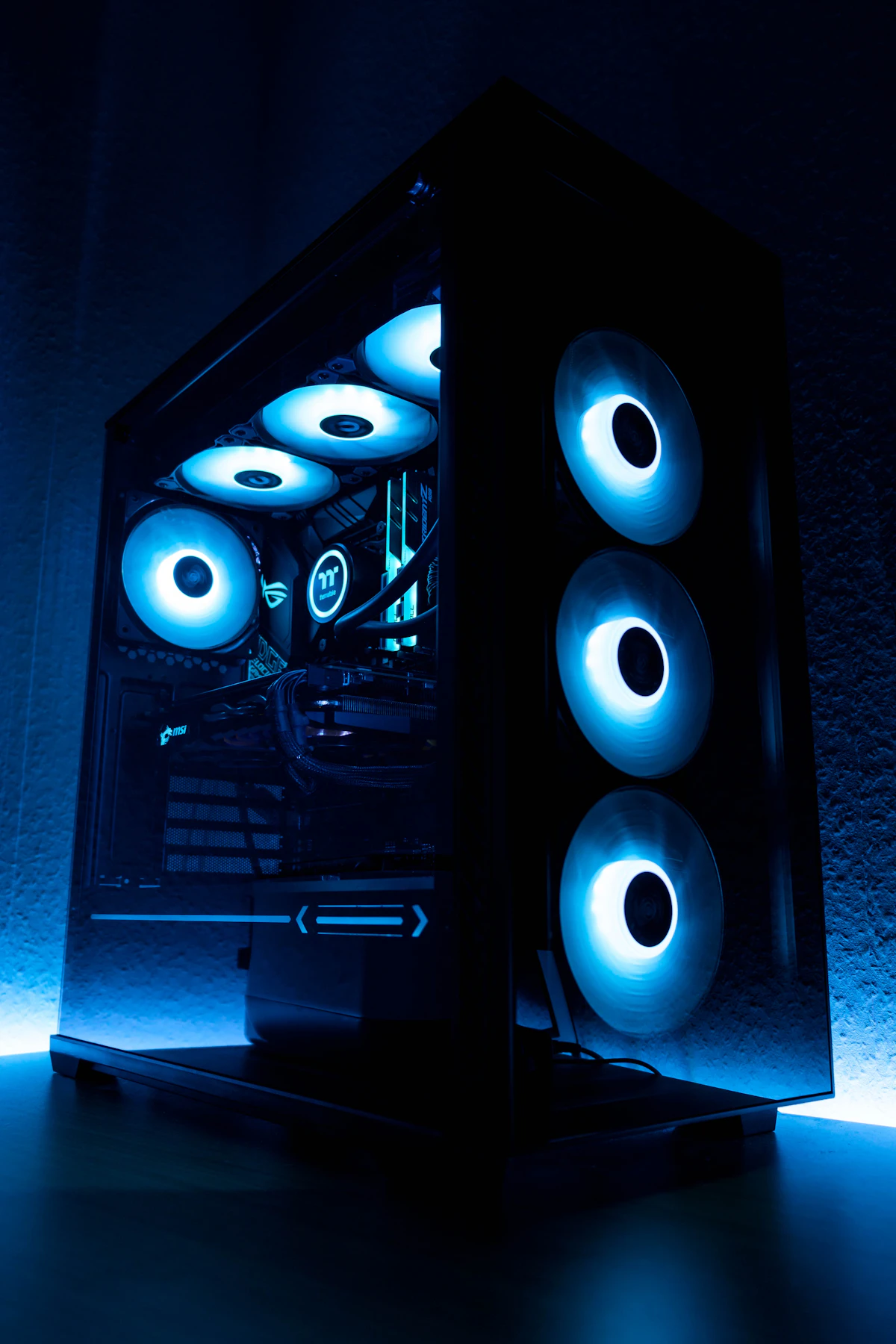
Gaming at 2560x1440 (1440p) has officially supplanted 1080p as the primary competitive and visual sweet spot for PC gamers in 2026. However, demanding modern titles utilizing Unreal Engine 5.4, extensive ray tracing pipelines, and high-resolution texture streaming have radically transformed hardware requirements. Choosing the right graphics card requires balancing raw rasterization throughput, dedicated VRAM capacity, memory bus bandwidth, and system power draw.
1440p GPU Benchmark Comparison: Performance & Value Breakdown
To determine genuine price-to-performance metrics, we evaluated four primary contenders across rasterization, ray tracing, and frame generation across modern titles including Cyberpunk 2077 Phantom Liberty, Black Myth: Wukong, and Alan Wake 2 at native 1440p Ultra settings:
| Graphics Card | VRAM & Bus | TDP (Watts) | 1440p Raster Avg FPS | 1440p RT Avg FPS | Est. Street Price |
|---|---|---|---|---|---|
| NVIDIA GeForce RTX 5070 | 12GB GDDR7 (192-bit) | 250W | 118 FPS | 74 FPS | $549 - $599 |
| AMD Radeon RX 7800 XT | 16GB GDDR6 (256-bit) | 263W | 104 FPS | 48 FPS | $469 - $499 |
| NVIDIA GeForce RTX 4070 Super | 12GB GDDR6X (192-bit) | 220W | 102 FPS | 62 FPS | $569 - $589 |
| Intel Arc B580 (Battlemage) | 12GB GDDR6 (192-bit) | 190W | 71 FPS | 39 FPS | $249 - $269 |
The VRAM Sizing Dilemma: Why 8GB Is Obsolete for 1440p in 2026
The most frequent mistake budget PC builders make is underestimating frame buffer saturation. At 1440p native resolution with ultra-high texture packs and hardware-accelerated ray tracing, allocated VRAM regularly surges past 10.5GB. When an 8GB card exhausts its physical memory, Windows transfers overflow assets across the PCIe bus into system RAM.
This PCIe fallback triggers severe micro-stuttering, texture pop-in, and catastrophic 1% low frame rate dips below 20 FPS. For reliable 1440p performance throughout 2026 and 2027, 12GB of VRAM represents the absolute minimum threshold, while 16GB provides genuine futureproofing against forthcoming Unreal Engine 5.5 mesh shader demands.
Gamers considering high-end upgrades can also review our detailed architectural analysis of flagship tier GPUs in our RTX 5080 vs RTX 4090 benchmark comparison.
Deep Dive: Top 4 1440p Contenders Evaluated
1. NVIDIA GeForce RTX 5070 12GB: The DLSS 4 & Ray Tracing Champion
Built on NVIDIA's Blackwell architecture, the RTX 5070 brings fourth-generation Tensor cores and ultra-fast 28 Gbps GDDR7 memory. Its memory subsystem achieves 672 GB/s bandwidth despite a 192-bit bus. In titles featuring heavy path tracing, DLSS 4 Multi-Frame Generation enables buttery-smooth 100+ FPS gameplay with pristine image stability.
- Pros: Class-leading ray tracing efficiency, exceptional upscaling clarity via DLSS, modest 250W power envelope.
- Cons: 12GB VRAM buffer leaves slim headroom for heavily modded titles.
2. AMD Radeon RX 7800 XT 16GB: The Pure Raster & Value Titan
For gamers who prioritize pure rasterization, native rendering, and spacious memory headroom, the RX 7800 XT remains unbeatable in the sub-$500 category. Equipped with 16GB of GDDR6 across a wide 256-bit bus and 64MB of second-generation Infinity Cache, this card handles dense open-world environments without memory hitching.
- Pros: Generous 16GB buffer, unbeatable raster value per dollar, excellent Linux driver support via RADV.
- Cons: FSR ray tracing reconstructor trails DLSS 4 in fine edge detail.
3. Intel Arc B580 12GB: The Undisputed Sub-$270 Budget Disrupter
Intel's Xe2 Battlemage architecture delivers a genuine breakthrough for budget-conscious gamers. Offering 12GB of GDDR6 memory at roughly $250, the B580 comfortably achieves 60+ FPS in modern 1440p titles with XeSS enabled. It completely outclasses aging 8GB competitors in the sub-$300 market segment.
Power Supply Sizing & System Integration
Modern graphics architectures exhibit instantaneous transient power spikes lasting 5 to 20 milliseconds. Even though a GPU might average 220W under sustained load, peak transients can briefly touch 380W.
Ensure your build utilizes a modern ATX 3.1 or PCIe 5.1 power supply rated at minimum 650W (750W recommended for RTX 5070 or RX 7800 XT). Avoid daisy-chained PCIe 8-pin pigtail cables; utilize dedicated, independent cables from the PSU modular rail to protect against voltage droop. If you experience random display blackouts or driver crashes under load, check our step-by-step diagnostic on troubleshooting GPU boot freezes and display driver timeouts.
Before purchasing, test your intended CPU and GPU pairing directly inside the Tech Boss Bottleneck Calculator to prevent processor throughput choking at 1440p refresh rates.
- • RTX 5080 vs RTX 4090: Architecture, TDP, Benchmarks & Efficiency Breakdown
- • How to Fix Windows 11 Black Screen with Cursor: 6 Verified Fixes for Post-Login & Boot Freezes
- • Windows 11 Slow After Update? Complete Driver Clean Reinstall & Diagnostic Protocol
- • How to Fix Steam Slow Download Speed in Windows 11: Network Stack Optimization
💬 Reader Discussion & Feedback 0