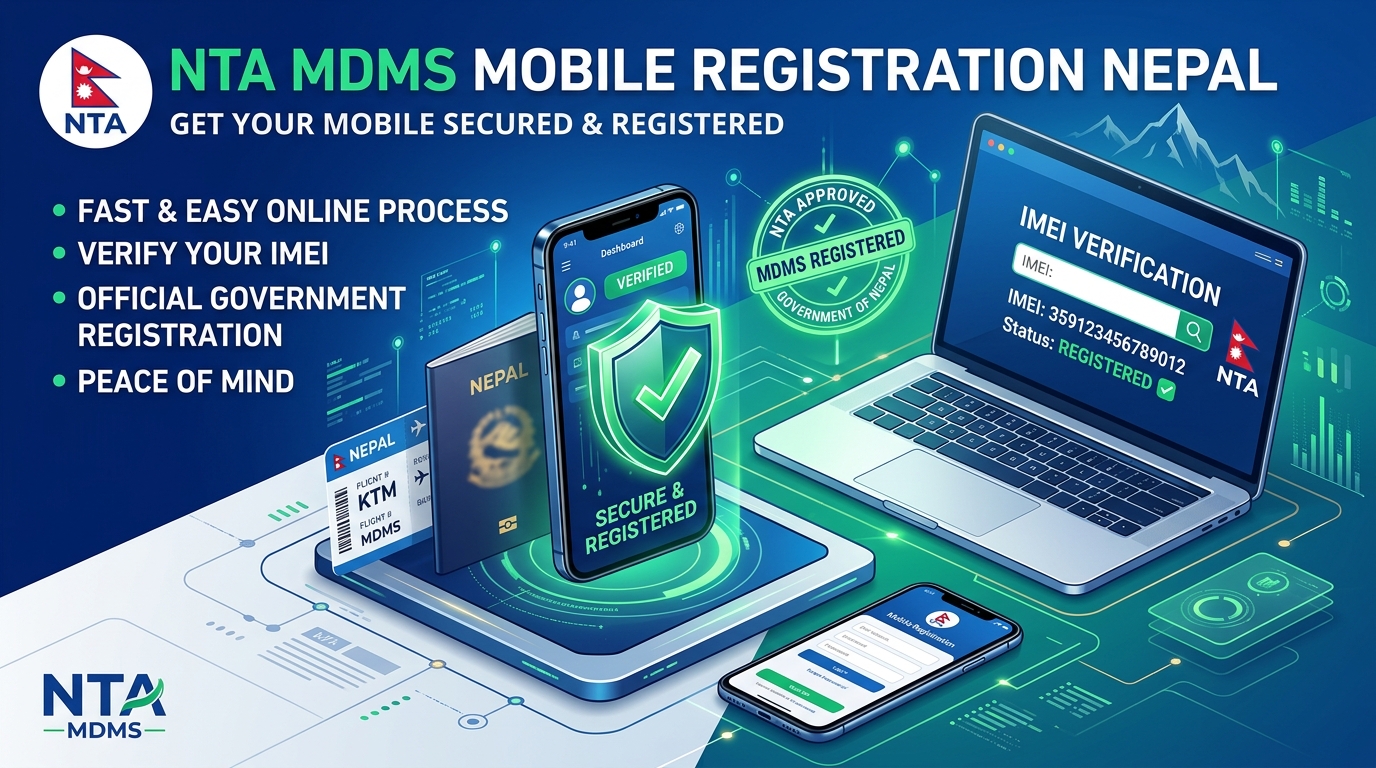
If you have recently purchased a smartphone, received an iPhone as a gift from overseas, or returned home to Nepal through Tribhuvan International Airport (TIA), ensuring your device is officially registered under the Nepal Telecommunications Authority (NTA) Mobile Device Management System (MDMS) is mandatory. Unregistered devices face automatic cellular network barring across Nepal Telecom (Namaste), Ncell, and Smart Cell networks.
Here is your detailed, step-by-step 2026 guide to verifying your device's status, understanding government customs regulations, and completing your online registration in under five minutes.
1. What is NTA MDMS & Why is It Mandatory in Nepal?
Implemented by the Government of Nepal and NTA, the Mobile Device Management System (MDMS) is a centralized high-security database that tracks all mobile handsets entering Nepal using their unique 15-digit International Mobile Equipment Identity (IMEI) numbers.
The system was launched to achieve four vital objectives:
- Eliminate the Grey Market: Curb unauthorized imports and illegal smuggling of mobile devices that evade government customs duties and 13% VAT.
- Theft Prevention & Recovery: Enables law enforcement agencies and Nepal Police to blacklist, track, and disable stolen or lost phones nationwide.
- Protect National Security: Prevent untraceable cellular hardware from being used in cybercrime, fraud, and illegal communication.
- Consumer Safety: Ensure devices operating on Nepali frequency bands are genuine, certified hardware with active manufacturer warranties.
2. How to Check if Your Phone is Already Registered
Before initiating registration, first check if your handset is already whitelisted in the government database:
🔍 Step-by-Step IMEI Verification:
- Open your smartphone's dialer app and dial *#06#.
- Your screen will display your device's IMEI 1, IMEI 2 (for dual-SIM/e-SIM devices), and Serial Number. Copy or note down the 15-digit IMEI 1.
- Visit the official portal at mdms.nta.gov.np.
- Enter your 15-digit IMEI number into the "Check Your Device Status" search box and click Search.
⚠️ If it says "Your device is not registered in MDMS", proceed with the online registration steps below.
3. Nepal Customs Rules: Who Gets Free Registration?
Under the latest Department of Customs guidelines, mobile devices brought into Nepal are classified into two categories:
| Category of Traveler | Allowance | Customs Fee | Required Documents |
|---|---|---|---|
| Returnee Migrant Workers (श्रम स्वीकृति लिएका) | Up to 2 Mobile Phones (1 in personal use + 1 sealed gift) | FREE (NPR 0) | Passport with departure & arrival stamp, Valid Foreign Employment Labor Approval (Labor Permit), Boarding Pass |
| General Travelers, Students & Tourists | 1 Phone (personal hand carry) | FREE (NPR 0) | Passport / Citizenship, Boarding pass, Air ticket |
| Second Phone / Extra Gift Phone | Additional Smartphone / iPhone | Customs Duty Fee | Customs Declaration Receipt (प्रज्ञापनपत्र) paid at TIA Customs Counter |
4. Official Government Customs Fee Structure (For Extra / Grey Phones)
If you are registering an extra handset brought from abroad that does not qualify for free personal exemption, the Ministry of Finance has established the following flat customs duty rates:
- Apple iPhones & Flagship Smartphones (Priced above NPR 100,000): Flat NPR 10,000 per unit.
- Mid-Range & Budget Smartphones (Android handsets): Flat NPR 3,000 per unit.
- Basic Feature Phones (Bar/Keypad phones): Flat NPR 200 per unit.
5. Step-by-Step Online Registration Process on MDMS Portal
Follow these exact instructions to complete individual self-registration:
- Visit the Portal: Use to mdms.nta.gov.np and click on the "Individual Application" (व्यक्तिगत दर्ता) button.
- Choose Your Registration Type:
- Traveler / Nepali Citizen Returning Abroad: Choose this if you arrived via international flight with valid travel documents.
- Already in Nepal (Customs Paid): Choose this if you have a customs receipt paid at airport customs or land borders.
- Enter Handset Details: Enter Device Brand (e.g. Apple, Samsung), Model (e.g. iPhone 18 Pro Max, Galaxy S26 Ultra), and both IMEI 1 and IMEI 2 numbers.
- Upload Verification Documents: Attach clean photo or PDF scans (under 1MB each) of:
- Passport copy (Bio page and Arrival immigration stamp page).
- Boarding Pass or Air Ticket.
- Foreign Employment Labor Approval card (for migrant workers claiming free 2nd phone).
- Airport Customs Payment Receipt / Pragyapanpatra (if applicable).
- Submit & Track: Review all entered data and click Submit. You will receive an Application Tracking ID via SMS/Email. Approval typically takes between 24 to 72 hours, after which your phone's IMEI will be permanently whitelisted!
6. Important Tips for Dual-SIM & eSIM Users
The Verdict
NTA's MDMS system provides long-term security, legal peace of mind, and theft protection for your valuable investment. Whether you are using the latest iPhone or an affordable Android companion, verifying your registration guarantees uninterrupted 4G and 5G connectivity across all corners of Nepal.
Have questions about MDMS customs clearance or registration status? Share your query in the comments below, and our team will guide you through the process!



💬 Reader Discussion & Feedback 0