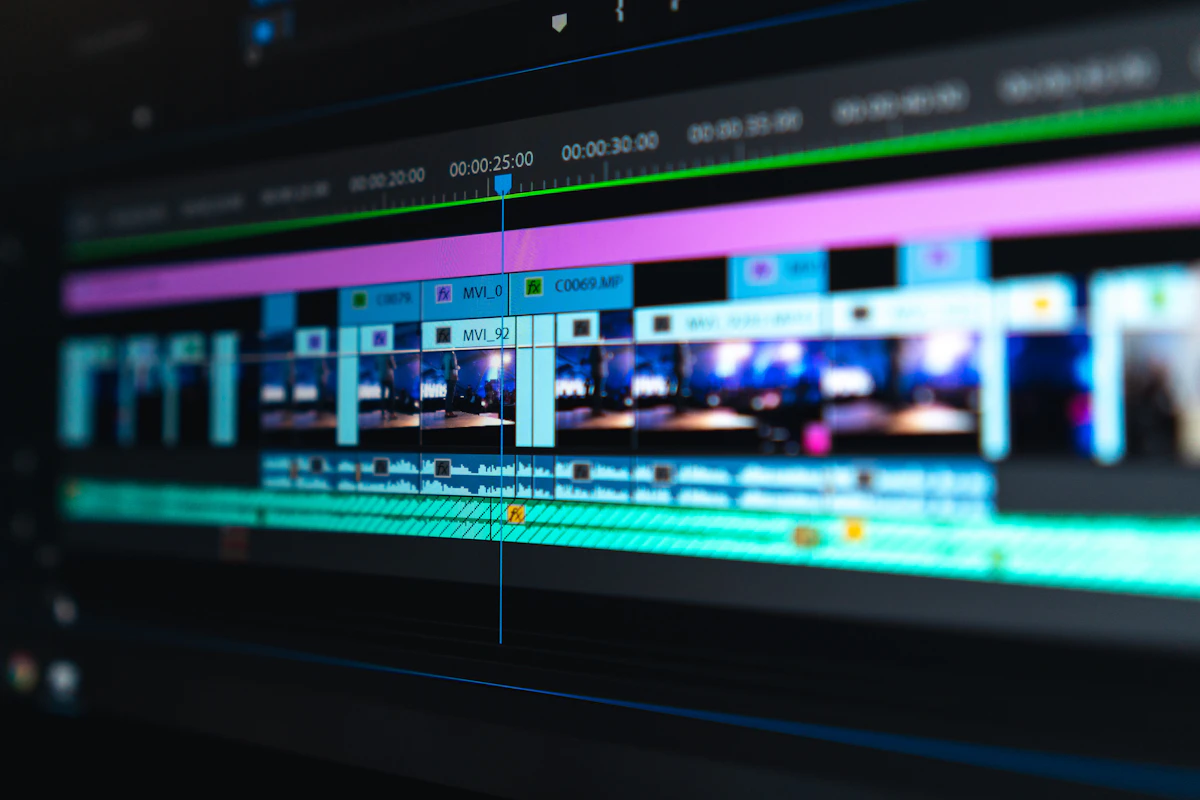
2026 Frontier Addition: Hailuo AI (Minimax)
Hailuo AI (by Minimax) surged to the top of community AI video benchmarks for text-to-video generation. Offering high-fidelity human facial expressions, natural cloth physics, and cinematic 6-second generations at 720p/1080p, Hailuo provides daily free credits on standard web accounts without imposing heavy intrusive center watermarks.
Quick Comparison: Top Free AI Video Platforms (2026)
| AI Generator | Free Allowance | Watermark Status | Resolution & Duration |
|---|---|---|---|
| Kling AI 1.5 | 66 Daily Credits | Minimal Corner Logo | 1080p / 5–10 Seconds |
| Hailuo AI (Minimax) | Daily Web Credits | Clean / No Center Mask | 720p–1080p / 6 Seconds |
| Luma Dream Machine | 30 Free Gens / Month | Subtle Watermark | 720p / 5 Seconds |
| Runway Gen-3 Alpha | 125 Initial Credits | Corner Watermark | 720p / 5–10 Seconds |
| Pika 2.0 | Daily Rolling Energy | Small Watermark | 720p / 3–4 Seconds |
Generative AI video has evolved by leaps and bounds in 2026. What used to produce blurry, warped clips just two years ago now renders high-definition, physics-compliant 4K video clips with natural lighting, coherent motion, and consistent character physics. Whether you are a YouTuber, digital marketer, game developer, or content creator, you no longer need high-end render farms or $50/month subscriptions to produce striking video assets.
1. Kling AI 1.5 (High Motion Fidelity)
Kling AI continues to stun creators worldwide with its exceptional grasp of real-world physics and fluid motion. The free tier offers daily renewable credits that let you generate 5-second to 10-second cinematic sequences at 1080p resolution. Its motion brush feature lets you specify precisely which part of an image moves, making it unmatched for subtle atmospheric animations.
2. Luma Dream Machine 2.0 (Ultra-Realistic Camera Movement)
Luma AI's Dream Machine is renowned for its cinematic drone-like camera moves and 3D spatial awareness. It excels at fast-action tracking shots, drone flyovers, and character interactions. The free plan provides up to 30 generations per month with rapid rendering speeds.
3. Runway Gen-3 Alpha Free Tier
Runway remains the gold standard in Hollywood-grade video editing and generation. Gen-3 Alpha has hyper-realistic human skin textures, expressive facial dynamics, and detailed camera director controls (pan, zoom, orbit, and tilt).
4. Haiper AI 2.0 (Beginner Friendly & Fast)
Haiper AI is built with speed and simplicity in mind. Its intuitive interface lets you paste a descriptive prompt or upload an existing image and receive a smooth 4-second HD video within 60 seconds. Best of all, its daily free tier is generous for casual creators testing visual concepts.
5. Pika 2.0 (Creative Effects & Physics Mutations)
Pika 2.0 introduced new "Pikaffects" — allowing creators to dissolve, melt, explode, or inflate objects in their videos with a single click. It is ideal for social media shorts, TikTok transitions, and surreal viral video concepts.
Neural Architecture: Diffusion Transformers (DiT) vs. U-Net Frameworks
The sudden jump in AI video coherence in 2026 stems from an architectural transition across foundational models. Early video models relied on 3D Convolutional U-Nets, which struggled with temporal coherence—causing characters' hands to warp, backgrounds to flicker, and object trajectories to degrade after two seconds. Modern state-of-the-art generators utilize Diffusion Transformers (DiT), splitting video frames into spacetime patches and processing temporal sequences with multi-head self-attention mechanisms.
| AI Video Engine | Free Tier Allocation | Export Resolution | Native Frame Rate | Watermark Policy |
|---|---|---|---|---|
| Kling AI (Free Tier) | 66 Daily Credits (~6 clips) | 1080p Full HD | 30 FPS | Clean (No Watermark) |
| Luma Dream Machine | 30 Generations / Month | 720p / 1080p | 24 FPS Cinematic | Clean (Free Download) |
| Hailuo AI (MiniMax) | Unlimited Beta Queue | 1080p Crisp Motion | 25 FPS | Clean Direct MP4 |
| Wan2.1 (Self-Hosted) | 100% Free (Open Weights) | 1080p / 4K Upscaled | Hardware Bound | 100% Unrestricted |
Prompt Engineering Guidelines for Complex Motion Vectoring
To avoid unnatural morphing or camera clipping when generating free video clips, structure your text prompts using three-part motion syntax:
- Subject Vector: Define the subject with precise physics cues (e.g., "A robotic rover with matte black carbon suspension navigating rocky terrain").
- Camera Dynamics: Specify deliberate optical movements (e.g., "Low-angle tracking shot, 35mm anamorphic lens, consistent focal depth, smooth forward dolly").
- Temporal Lighting: Mandate stable light sources (e.g., "Volumetric sunset lighting, no strobe artifacts, continuous ambient shadows").
Batch Rendering & VRAM Allocation in Local Inference
When running open-weights video models on consumer hardware, context memory allocation must be managed carefully. For instance, generating 49 frames at 720p on CogVideoX requires approximately 14.5 GB of VRAM. Enabling FP8 matrix precision and offloading the text encoder model to CPU system RAM reduces total GPU allocation to 9.2 GB, making local video generation accessible on RTX 4070 and RTX 3080 GPUs.
- ⚡ How to Run LLM Locally on Your PC: Complete Beginner's Guide 2026 (No Cloud, No API Key)
- ⚡ Ollama Tutorial for Windows 11: Install, Run & Manage AI Models Locally (Full 2026 Guide)
- ⚡ Best Free AI Coding Assistants for VS Code in 2026: Replace GitHub Copilot Without Paying a Dollar
- ⚡ How to Run AI Completely Offline Without Internet in 2026: Private Local AI Setup Guide
- ➔ How to Fix Windows 11 24H2 8.63 GB Windows Update Cleanup Bug: Checkpoint Cumulative Updates Explained
- ➔ Google DeepMind Unveils Genie 4: Real-Time Photorealistic Interactive World Model with Native Audio & Gemini Omni Architecture (2026 Deep Dive)
- ➔ How to Fix Windows 11 "Preparing Automatic Repair" Loop: BCD Rebuild & SrtTrail.txt Guide (2026)
- ➔ How Much VRAM Do You Really Need for Local LLMs in 2026? (7B, 14B, 32B & 70B GGUF Sizing Guide)
For a full comparison against commercial cinema synthesis, review our benchmarks in the OpenAI Sora official launch and alternatives review.



💬 Reader Discussion & Feedback 0