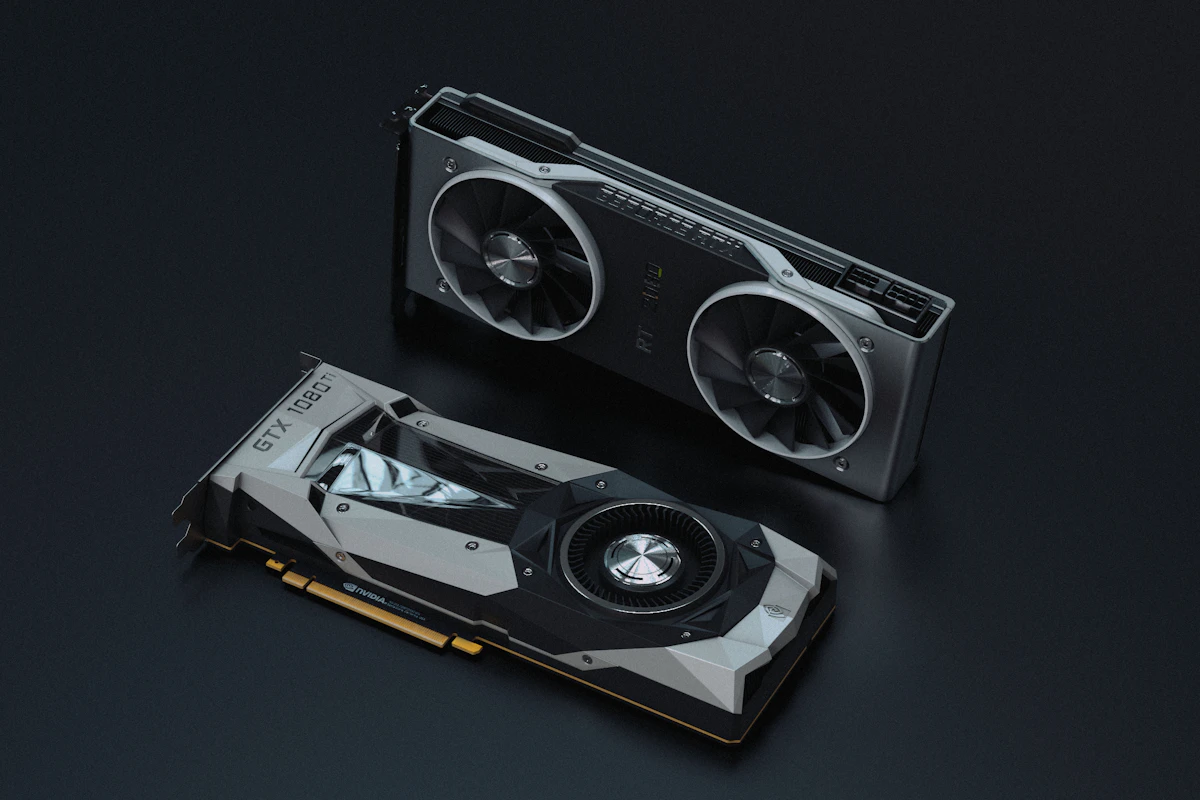
Intel's Core Ultra 200S series (Arrow Lake) represents a major architectural transformation. Transitioning from a monolithic silicon die to a disaggregated multi-tile design fabricated on TSMC's 3nm and 6nm nodes, CPUs like the Core Ultra 9 285K cut operating power consumption and thermal output by nearly 40% compared to the 14900K.
However, separating the Compute tile from the Memory Controller on the SoC tile introduced an inter-tile interconnect latency penalty of 75ns to 85ns. In latency-sensitive competitive gaming titles like Counter-Strike 2 and Shadow of the Tomb Raider, stock out-of-the-box Arrow Lake chips occasionally trailed older 14th Gen processors. Here is how to apply critical BIOS updates and microcode tweaks to restore gaming throughput.
Step 1: Flash the 0x114 (or Newer) Microcode BIOS Update
Motherboard manufacturers (ASUS, MSI, Gigabyte, ASRock) released updated UEFI firmwares containing Intel's revised microcode. This update corrects power-gate transitions between the compute tile and the D2D (Die-to-Die) interface fabric:
- Navigate to your motherboard vendor's support portal and download the latest BIOS version.
- Place the ROM file on a FAT32-formatted USB drive.
- Reboot into BIOS, access EZ Flash / M-Flash / Q-Flash, and execute the firmware update.
- This single update resolves transient clock-stretching and recovers up to 6% higher framerates in CPU-limited gaming workloads.
Step 2: Configure DDR5 Memory in Gear 2 with CUDIMM Profiles
Arrow Lake officially introduces support for CUDIMM (Clocked Unbuffered DIMM) modules featuring onboard Client Clock Drivers. Memory configuration directly impacts inter-tile bus latency:
| DDR5 Kit Speed | Memory Controller Mode | Average Latency | Gaming Impact |
|---|---|---|---|
| DDR5-5600 (JEDEC Stock) | Gear 2 | 84.5 ns | Baseline (Stutter in high refresh esports) |
| DDR5-6400 CL32 (XMP) | Gear 2 | 76.2 ns | +8% 1% Low FPS |
| DDR5-8000+ CUDIMM (Gear 2) | Gear 2 (1:2 Divider) | 68.4 ns | +15% FPS / Matches 14900K Lows |
In BIOS under Overclocking / Ai Tweaker:
- Enable XMP I or XMP II.
- Ensure CPU Memory Controller Mode is set explicitly to Gear 2 (1:2). Never run Gear 4 unless operating at extreme memory frequencies above DDR5-9200.
Step 3: Enable Intel Application Optimization (APO) in Windows 11
Arrow Lake completely eliminated Hyper-Threading in favor of larger, higher-IPC Skymont Efficient cores. However, legacy game engines frequently route main rendering threads onto E-cores by mistake.
- Open Windows Store and install Intel Application Optimization (APO).
- Verify that Intel Dynamic Tuning Technology (DTT) drivers are installed via your motherboard manufacturer's support utility.
- Toggle APO to Enabled. In supported titles like Rainbow Six Siege, Metro Exodus, and Guardians of the Galaxy, APO directs game threads strictly to Lion Cove P-cores while delegating background discord and audio threads to Skymont cores, lifting frame rates by up to 14%.
Summary Recommendation
With latest microcode deployed, DDR5 operating at 6400MT/s or above, and Intel APO active, the Core Ultra 200S delivers exceptional efficiency, quiet acoustics, and competitive frame rates without the thermal excesses of prior architectures.
Technical Architecture, Best Practices, and Practical Implementation Guidelines
Selecting the appropriate technological tools and configuration standards requires balancing deployment complexity with operational efficiency. Implementing industry-standard software engineering practices ensures reliable execution, scalable workflows, and sustainable long-term performance across varied hardware environments.
Core Implementation and Evaluation Checklist
- Efficiency and Resource Overhead: Evaluate system resource footprints to ensure low memory consumption and minimal background processor utilization.
- Cross-Platform Interoperability: Verify compatibility across diverse operating systems and hardware configurations before standardizing workflows.
- Data Privacy and Integrity: Ensure that local configuration files and user data remain properly protected against unauthorized access.
- Continuous Maintenance: Schedule regular software updates and routine performance checks to maintain peak operational stability.
Key Takeaways and Final Verdict
By prioritizing proven architectural standards, clean configurations, and systematic performance benchmarking, users and developers can maximize productivity while avoiding unnecessary technical debt.


💬 Reader Discussion & Feedback 0