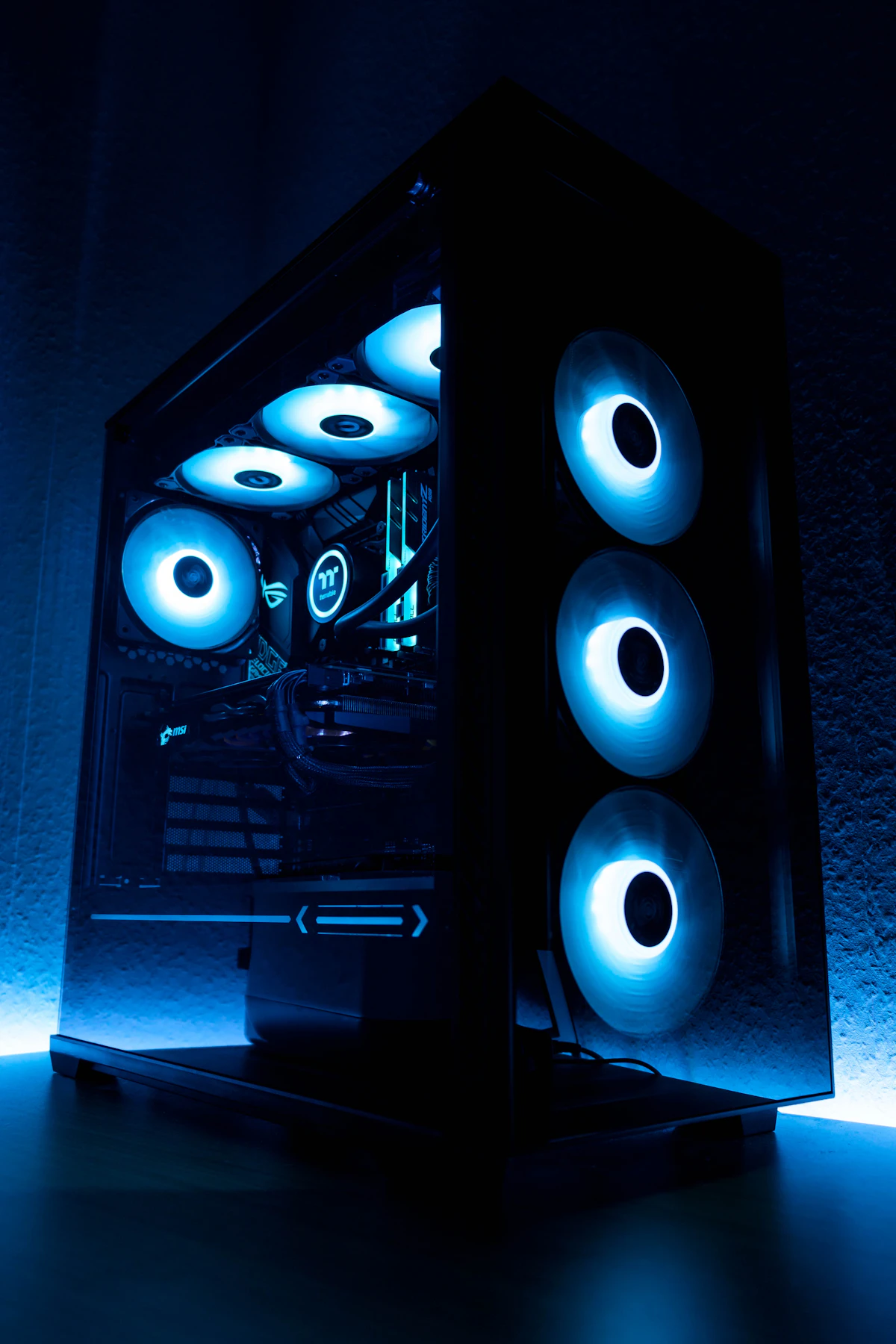
As board partners finalize reference coolers and PCB revisions for NVIDIA's next-generation Blackwell consumer graphics architecture, verified power profiling data indicates that the flagship GeForce RTX 5090 demands a massive 600-watt Total Board Power (TBP) budget. This dramatic 150W escalation over the RTX 4090 has ignited heated arguments among system builders, custom PC system integrators, and electrical engineers regarding the safety and thermal reliability of the revised 12V-2x6 power connector.
The Evolution from 12VHPWR to 12V-2x6
When NVIDIA introduced the original 12VHPWR (PCIe 5.0) 16-pin connector on the RTX 4090 in late 2022, high-profile reports of burnt terminal blocks and melted plastic sockets dominated enthusiast forums. Investigations by independent lab engineers revealed that slight terminal misalignment, incomplete terminal seating, or severe horizontal cable bending generated high resistance contact patches capable of hitting 150°C under full load.
In response, the PCI-SIG revised the standard, introducing the 12V-2x6 (CEM 5.1) specification. The updated connector features critical safety adjustments:
- Recessed Sense Pins: Sense pins (S1–S4) were shortened by 1.7mm. If the connector is even slightly unseated by as little as 1mm, the power supply detects an open circuit and drops allowable wattage from 600W to 150W or refuses initialization entirely.
- Lengthened Power Terminals: Current-carrying conductor pins were extended by 0.25mm to increase physical surface contact depth inside the mating plug.
- Thicker Conductor Walls: Internal copper spring clips were reinforced to maintain clamping force under thermal expansion cycles.
Why 600W Pushes Physics to the Limit
While the mechanical improvements of 12V-2x6 dramatically reduce accidental user installation errors, sustaining a continuous 600W electrical current across a compact 16-pin interface presents sheer thermodynamic reality. Delivering 600W across six active 12V pins requires approximately 8.33 amps per pin under continuous load.
During intense compute spikes and burst ray tracing passes in titles like Cyberpunk 2077 with path tracing, transient microsecond excursions can spike total instantaneous draw well beyond 750 watts. High-current loads passing through micro-terminals naturally produce resistive heat. In poorly ventilated mid-tower chassis cases where ambient internal temperature exceeds 45°C, thermal headroom on the power connector remains perilously thin.
Power Supply Mandates: Why ATX 3.1 Is Non-Negotiable
Building an enthusiast gaming workstation around the RTX 5090 will require widespread infrastructure upgrades. System builders must evaluate several core power requirements:
- Minimum 1000W to 1200W PSU: A standard 850W power supply will face instant Over Current Protection (OCP) shutdowns when paired with modern high-wattage desktop processors like the Intel Core i9-14900KS or AMD Ryzen 9 9950X.
- Native 12V-2x6 Cables: Avoid daisy-chained multi-8-pin PCIe adapter splitters. Native cables designed specifically for ATX 3.1 modular supplies reduce junction resistance by eliminating extra terminal crimp hops.
- Zero Cable Bend Radius within 35mm: Hardware manufacturers explicitly warn that cables must remain straight for at least 35mm from the GPU power receptacle before initiating any bend toward side panels.
The Verdict for Enthusiast Upgraders
The GeForce RTX 5090 is shaping up to deliver historic rasterization and tensor compute throughput. However, raw performance scaling is clearly arriving at the expense of electrical efficiency. PC builders preparing for the Blackwell generation must treat power delivery and thermal chassis airflow with the same meticulous engineering discipline previously reserved for industrial workstations.
In-Depth Hardware Benchmarks, System Stability, and Diagnostic Steps
System performance optimization and component reliability require a methodical approach to diagnostic telemetry and firmware calibration. Operating systems frequently enable background hypervisor isolation and aggressive scheduling policies that, while improving platform security, introduce measurable frame-time variance and thermal throttles during sustained heavy throughput tasks.
System Engineering and Hardware Checklist
- Driver Validation: Ensure clean display and chipset driver installations via dedicated uninstaller utilities to prevent residual registry conflicts.
- Storage Bus Saturation: Verify that PCIe NVMe solid-state storage operates at full x4 link width within system BIOS firmware to maximize sequential throughput.
- Memory Profiling: Enable standardized XMP or EXPO memory profiles while monitoring system stability through comprehensive memory stress diagnostics.
- Background Task Management: Restrict non-essential telemetry services and scheduled background tasks to preserve CPU core availability for foreground applications.
Long-Term Maintenance and Reliability Guidelines
Conducting routine preventative maintenance—including thermal paste reapplications, heatsink cleaning, and storage SMART health audits—prevents sudden hardware degradation and guarantees stable, high-performance operation over multi-year deployment cycles.


💬 Reader Discussion & Feedback 0